
Brand Bringe
Logo files
Everything the team needs to put Brand Bringe on a deck, a flyer, an email or a profile — plus the few rules that keep it looking like one brand.
The logo
Use the first one unless the space makes it impossible. Right-click and save, or use the buttons.


On darkDark slides, dark photos, dark headers.


On blueAll white, for a Bringe Blue background.
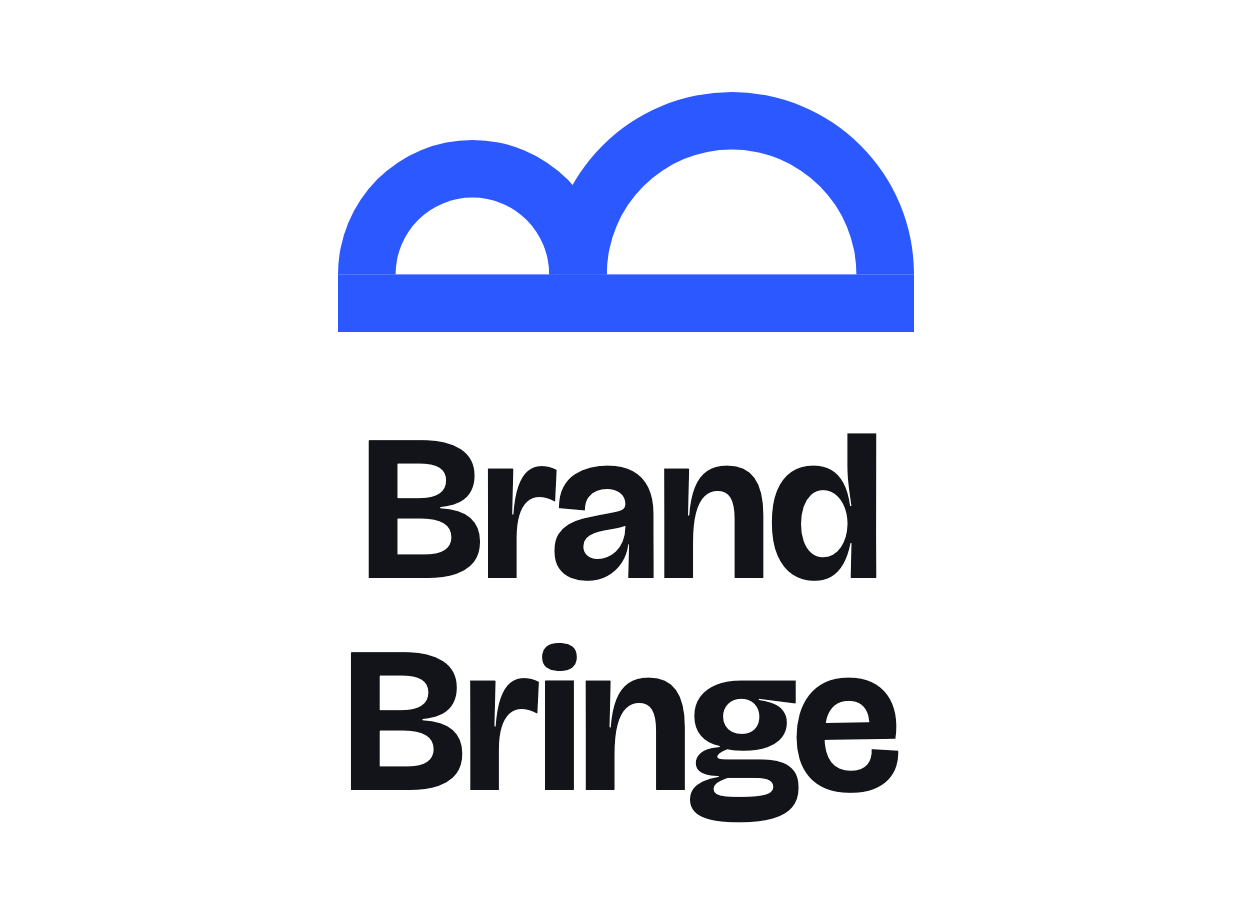
StackedNarrow or square spaces only.




The rules
Six lines. If something is not listed here, ask before you do it.
Space around it
Keep clear space of half the logo's height on every side. No text, no lines, no other logos inside it.
Smallest size
On screen: icon 16 px tall, full logo 120 px wide. In print: icon 6 mm, full logo 32 mm.
Colours
Bringe Blue, Ink or White. Never any other colour, and never a gradient.
Never
- Stretch, squash or rotate it
- Add a shadow, glow or outline
- Retype the name in another font
- Put it on a busy photo without a dark scrim
Typeface
Bricolage Grotesque throughout, no second font and no italics. If it is unavailable, use Helvetica or Arial.
With another brand
Separate the two logos with a thin line and one logo-height of space either side. Match the height of the letters, not the boxes.
Colours
Copy these exact values. Blue is for one thing per page — if two things are blue, one of them is wrong.
Bringe Blue
#2B59FFInk
#121419Slate
#4E5460Ground
#F2F4F7Line
#DDE2EA